How can I delete my account / personal data?
BACK TO TOP
We’re sorry to see you go! To proceed with deleting your account, follow these steps:
1. Open the Settings section.
2. Click on the Personal Details button.
3. Select the Delete Personal Data option.
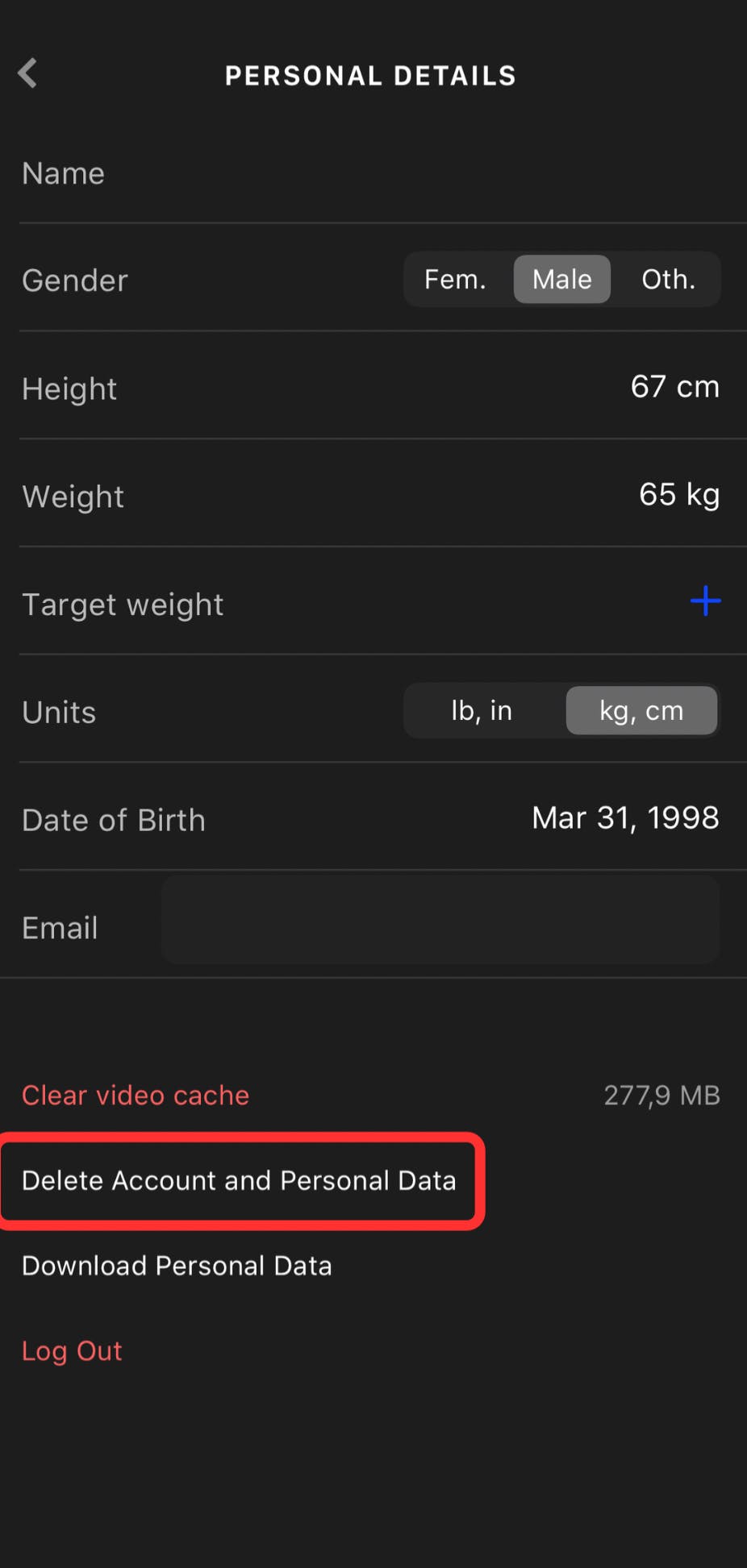
Confirm your email address and tap DELETE

❗Kindly note that deleting your personal account within the app leads to the immediate cancellation of your subscription, and all your progress will be lost.
You can also contact our support team with a request to delete your account via the Contact Form.