I bought the app - what should I do next?
BACK TO TOP
Your purchase is complete and you’re ready to start your journey—great! Here’s how to get started on your iOS device:
1. If you haven’t downloaded the MuscleBooster app yet, download it from the App Store or Google Play.
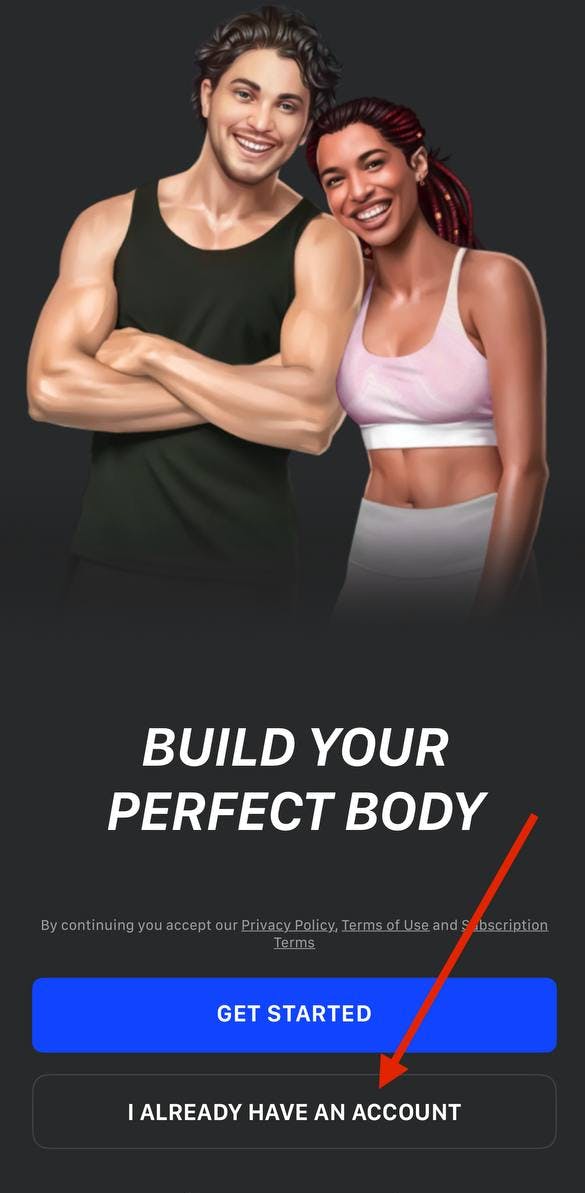
2. Open the app and tap the I Already Have an Account button on the first screen of the app, as shown below.
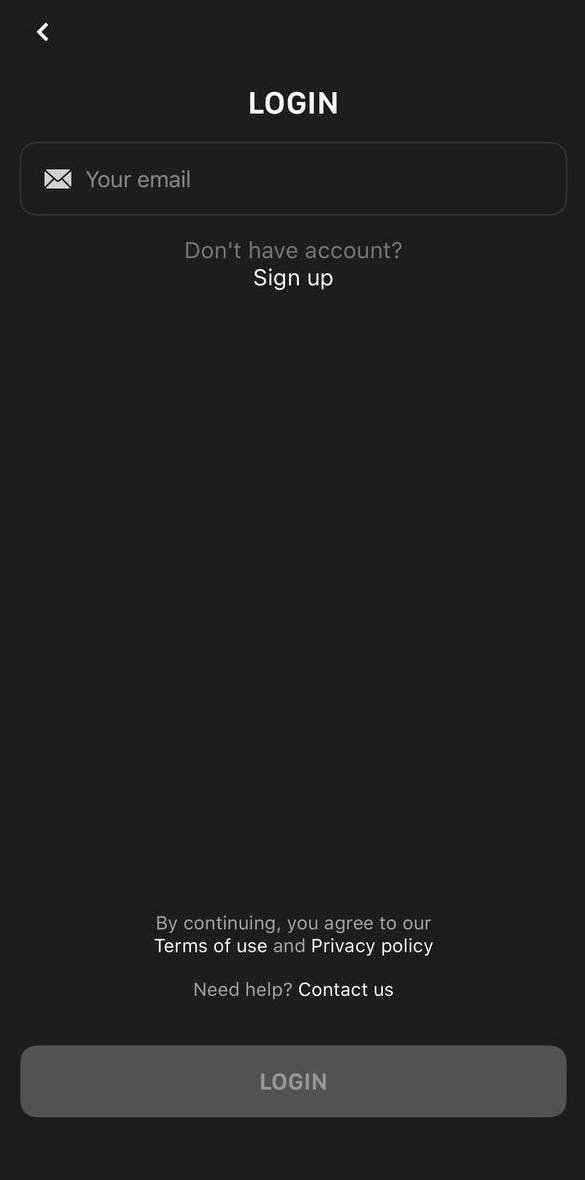
3. Enter the email address you used when making the purchase.
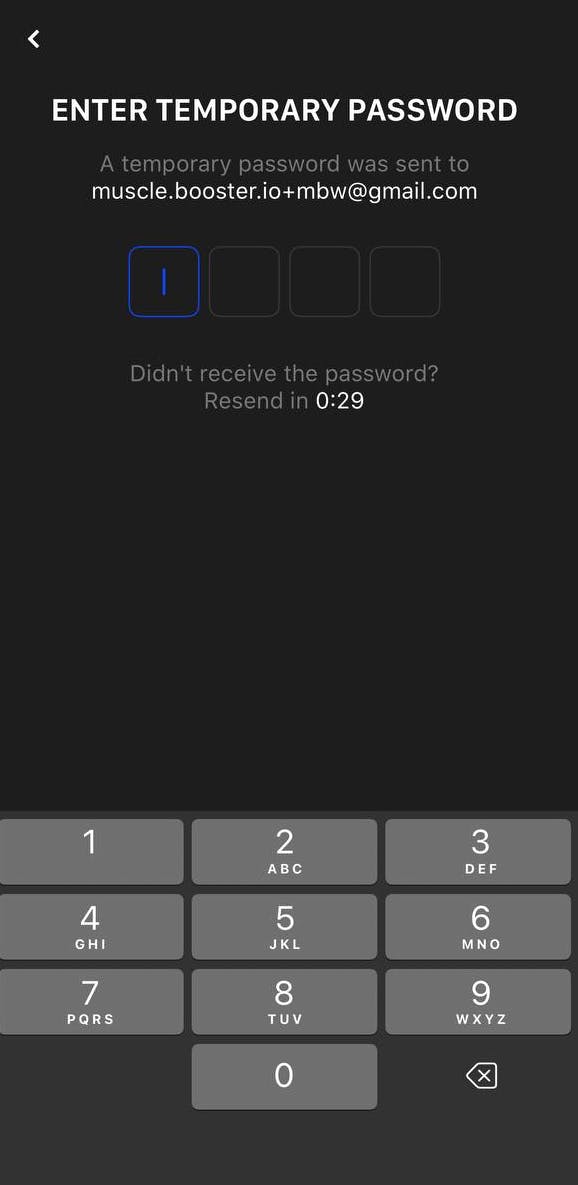
4. Enter the security code sent to your email address.
! If you don’t receive an email with a security code, please double-check that the email address you entered is correct.