Can I use Muscle Booster on my computer?
Unfortunately, we do not have a desktop version of the app available at the moment as it is designed specifically for mobile devices.
However, the Workout Creator is available in desktop format, allowing you to build workouts on the larger screen of your computer or laptop.
To proceed with this, follow the instructions below:
1. Open this link.
2. Enter the email address associated with your Muscle Booster account.
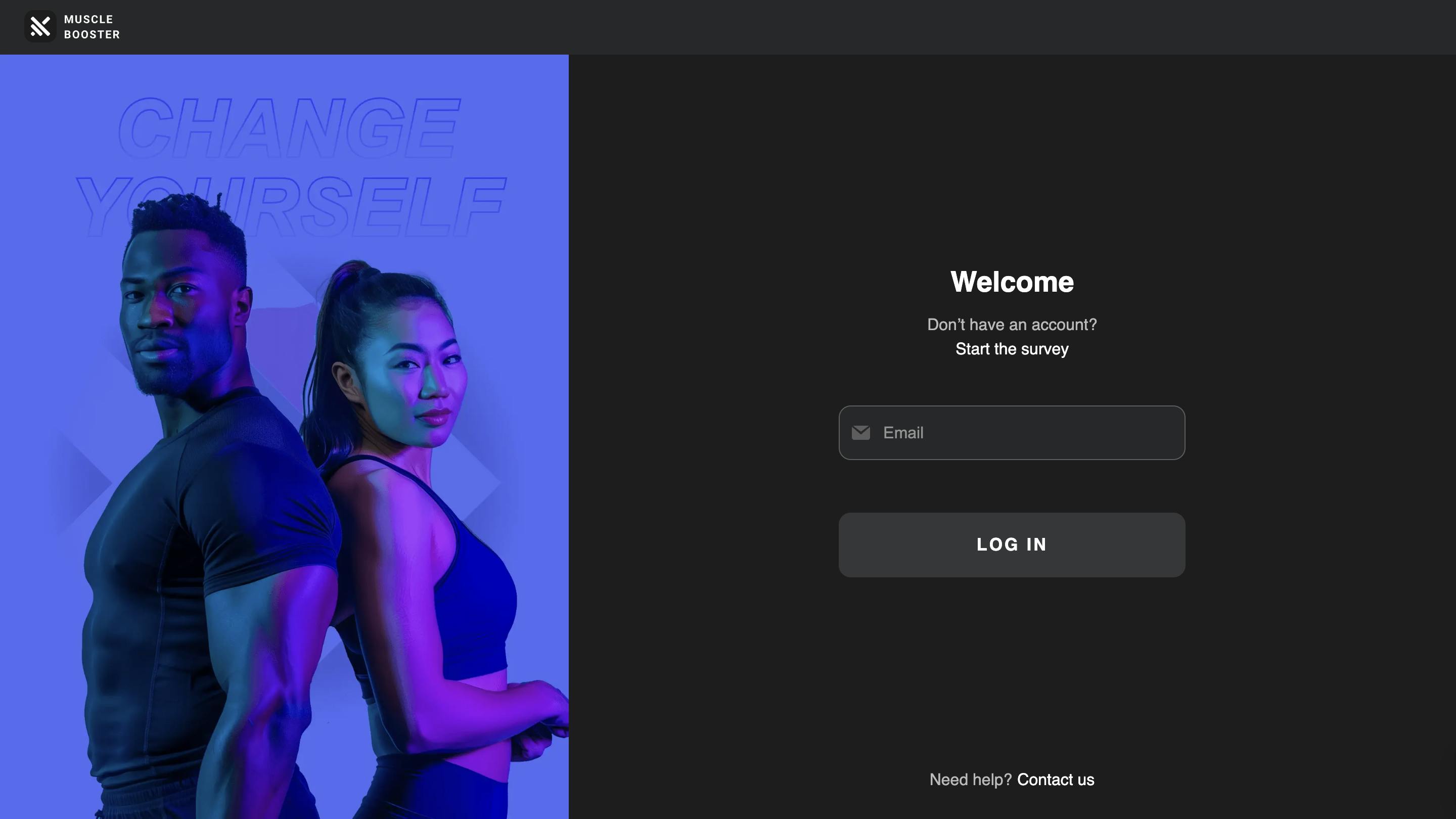
3. Enter the security code that was sent to your email.
! If you don’t get an email with a security code, please check that the email address you entered is correct.
4. Click Log In.
5. Navigate to the Workout builder tab.
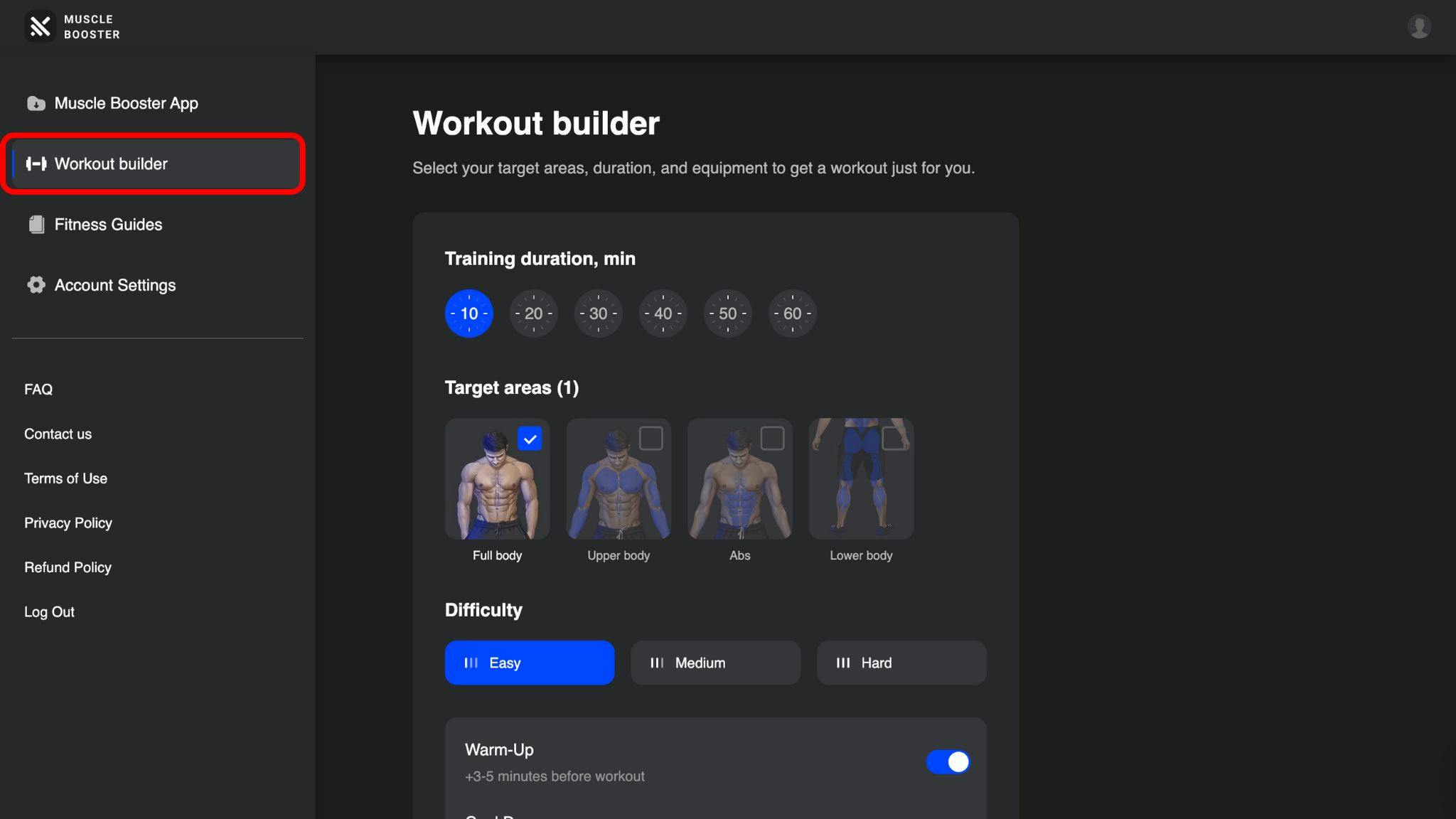
The next step is to select a training duration and choose the target areas you’d like to train.
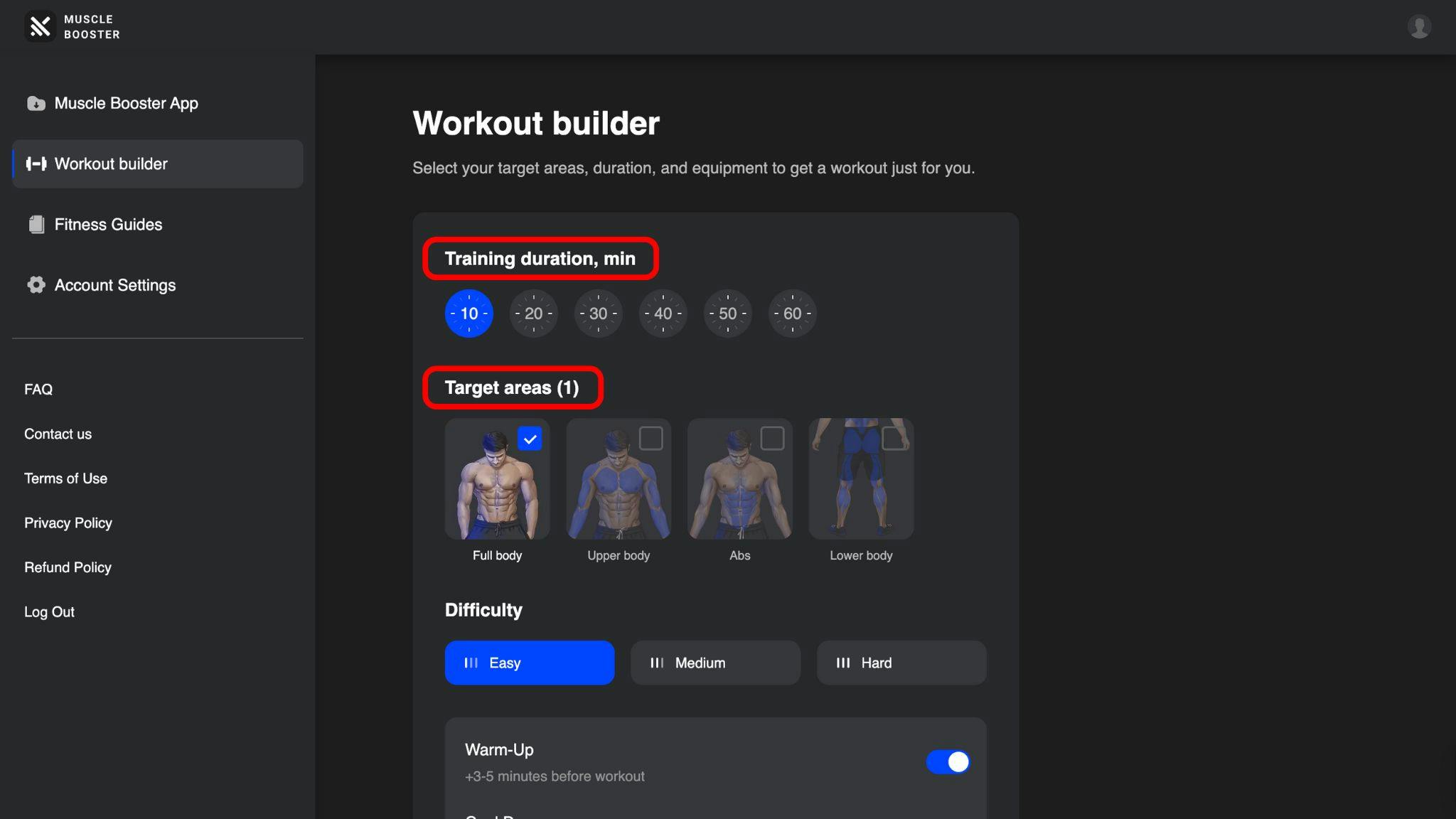
The app will default to Full body as the preferred target area, however, if you don’t have enough time for a full workout or just want to focus on individual muscle groups, you can customize this selection as desired.
Additionally, you can choose the difficulty level and select warm-up and cool down exercises, which will help provide a nice start and finish to your physical activity.
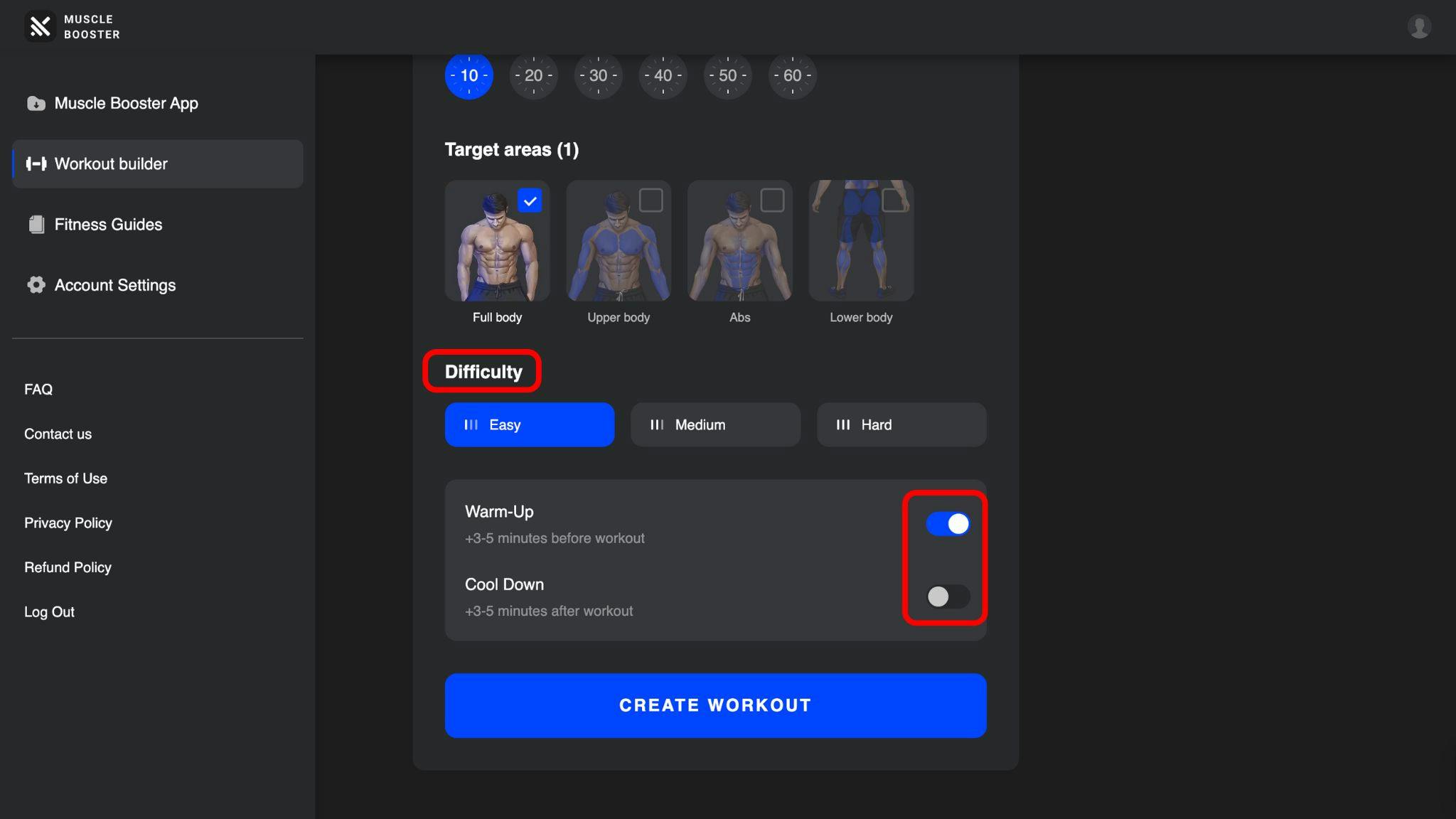
Finally, click the Create workout button to enjoy your session.
Please note that our app was initially designed for mobile devices, therefore some features are slightly different or unavailable on desktop, however, our team is constantly working on improving existing features, as well as adding new ones to meet our users’ needs—so stay tuned!