





The app crashed, froze, or won’t load
While this is an uncommon error, it can occur from time to time. To start, please make sure your Internet connection works well. If you are using a cellular connection, you might want to consider connecting to Wi-Fi.
Next, if you’re using any type of VPN or proxy, we recommend turning it off, as such software may slow down your Internet connection.
If you still encounter issues after checking these points, please reboot your device and then reinstall the app by following the steps below:
1. Delete the app.
2. Download it again.
3. Open the app and tap on the I Already Have An Account button on the app’s opening screen.

4. Enter the email address you used when making the purchase.
5. Tap Login to access your account as shown below:
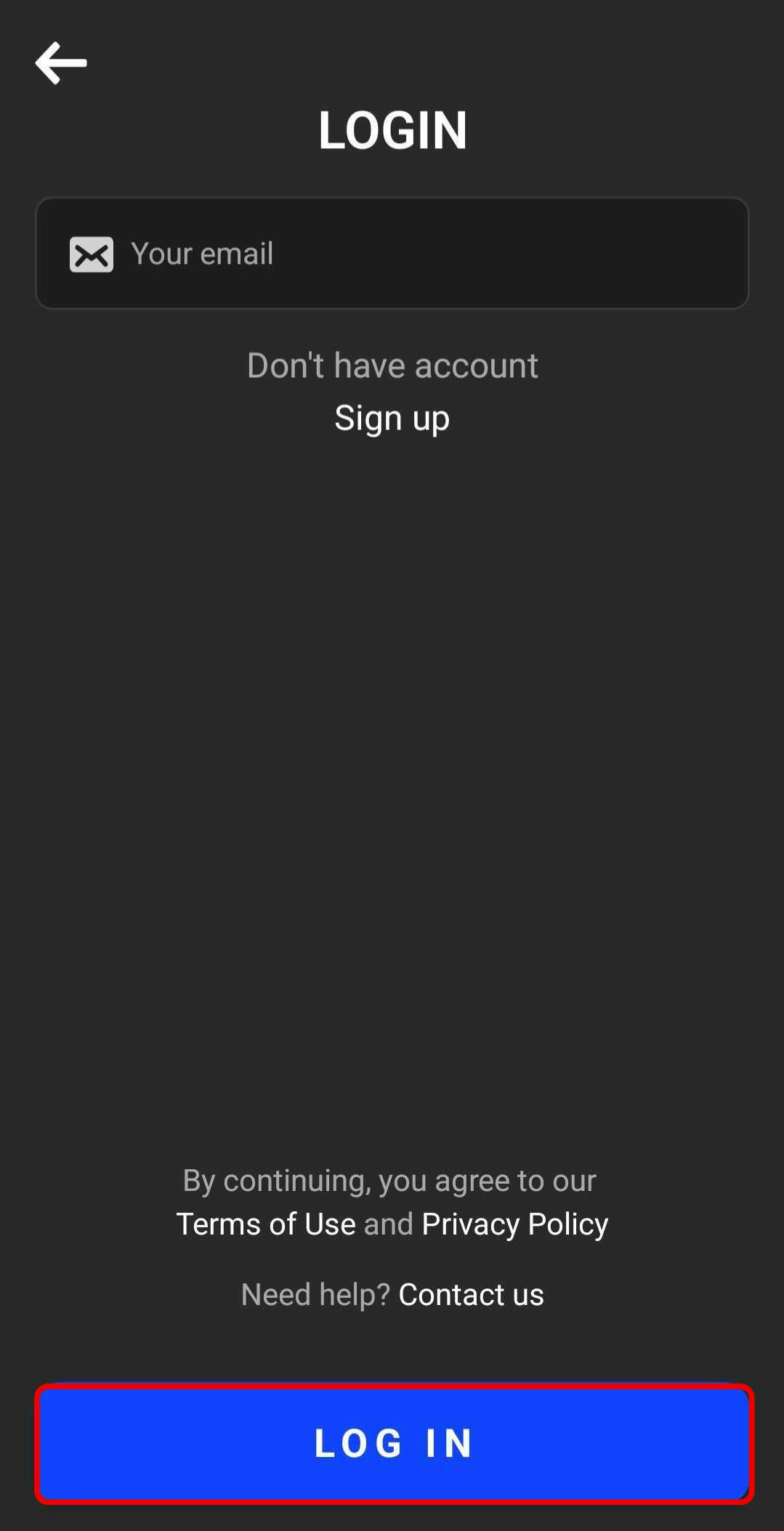
6. Enter the security code sent to your email.
⚠️ If you don’t receive an email with a security code, please make sure that the email address you entered is correct. If you have any spam filters enabled, double-check that it didn’t land in your Spam or Promotions folders.
If, after completing all the steps outlined above, you still experience issues accessing the app, please don’t get discouraged—we’re here to help. Contact our support team via the